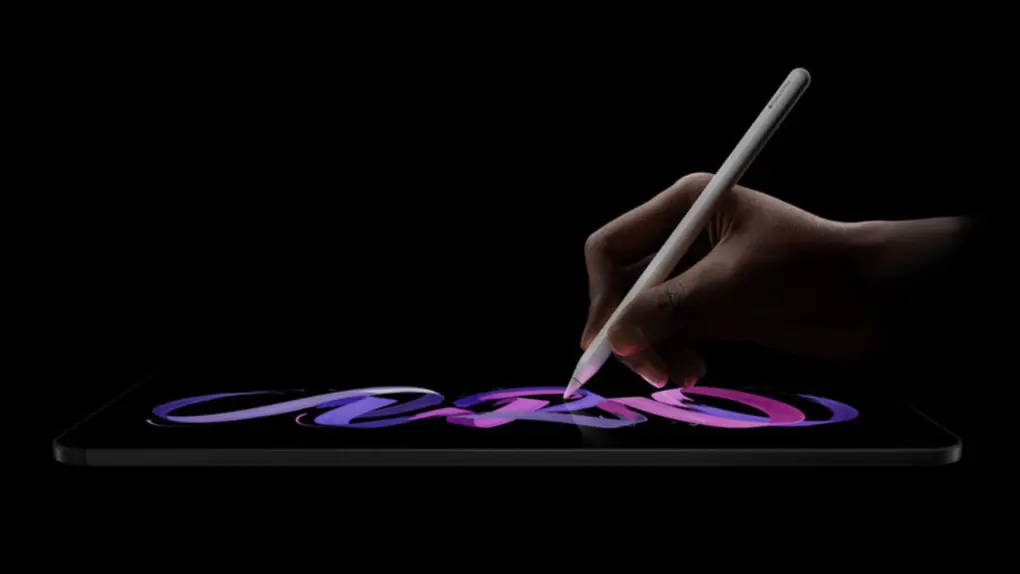
Apple charges $100 to add nano-texture glass to the iPad Pro, and even more if you want to add the anti-glare tech to a MacBook Pro. The technology is undoubtedly impressive, but the real question is whether your work requires it.
Here’s what you need to know before spending your money on Apple’s matte display tech.
Apple’s nano-texture glass isn’t just another matte coating
Typical matte screen coatings work great at reducing glare, but they also affect contrast, wash out colors, and might add an unwelcome haze. You get less glare, but you’re just trading off one visual annoyance for another.
But that isn’t the case with Apple’s nano-texture glass. Unlike third-party solutions, Apple’s nano-texture glass is physically etched at a nanometer scale. These tiny etchings scatter ambient light with minimal impact on image quality.
Cupertino debuted the technology with the Pro Display XDR, then expanded it to the M4 iPad Pro and MacBook Pro. For the tablet, it adds $100 to the price. On a laptop, it bumps up the price by $150.
Also, there’s a catch.
Not all iPad Pro configurations get nano-texture
Apple limits the nano-texture glass option to the 1TB and 2TB storage configurations of the iPad Pro. That means the cheapest M5 iPad Pro with nano-texture glass will cost you $1,699 for the 11-inch model and $1,999 for the 13-inch one.
You aren’t just paying for the high-end screen; you’re also paying for 1TB of storage, whether you like it or not. For most people, the cost of the extra storage isn’t worth it just to reduce the screen’s glare.
Extra price brings extra care
Nano-texture glass is also harder to maintain than standard glass screens. Fingerprints and smudges that look barely noticeable indoors become very visible in brightly lit areas. Apple’s nano-texture glass really shines in bright conditions, but the fingerprints can be a bummer.
At least Apple includes a special polishing cloth if you buy a device with nano-texture glass. (The company recommends using it for cleaning the nano-texture surface. Otherwise, you risk scratching the texture permanently.)
Talking of scratches, they are a very valid concern as well. The etched surface is no doubt more durable than a coated one. Even if you close your MacBook, the keyboard may leave faint marks over time.
They aren’t visible when the screen is on, but are noticeable when it’s off.
Matte screen protectors: A decent budget option
If you already own an Apple device or don’t want to spend extra on the nano-texture coating, a quality matte screen protector can do the job.
They cost a fraction of upgrading to Apple’s nano-texture screen and can be easily replaced if damaged. For users who just want less glare and don’t mind compromising on color accuracy, matte protectors make much more sense.
Apple’s nano-texture glass is amazing, but only for the right users
Nano-texture glass is a very useful piece of technology that solves a real-world problem. If you find yourself working in bright conditions or outdoors, and you want the maximum storage possible, paying extra $100 to upgrade your iPad Pro is an easy yes.
The $100 premium isn’t much compared to what the iPad Pro costs, but the question is whether your work environment justifies the price and added care.
It makes sense if you are a photographer sitting right next to a window, an illustrator working in a bright studio setup, or someone who takes their laptop outside.
Compared to normal laptop screens, nano-texture glass also holds up pretty well in many ways. It can handle direct sunlight and remain legible, something glossy displays struggle with, even when you turn the brightness slider to its max.
However, those who use their devices indoors or in normal lighting conditions won’t notice the difference in everyday use. Plus, the added maintenance may not be worth the hassle. The standard glass on the iPad Pro already comes with an antireflective coating, which can, for the most part, handle indoor glare just fine.
But if glare annoys you and affects your workflow, the extra price might be worth it.

Anurag Chawake is a tech-focused writer specializing in smartphones, apps and consumer technology. His interest in computers began during the Windows 98 era, eventually leading him to explore everything from operating systems to mobile devices and PC hardware. Anurag previously contributed to The Indian Express, covering Apple, Android, gaming and the broader technology landscape.

